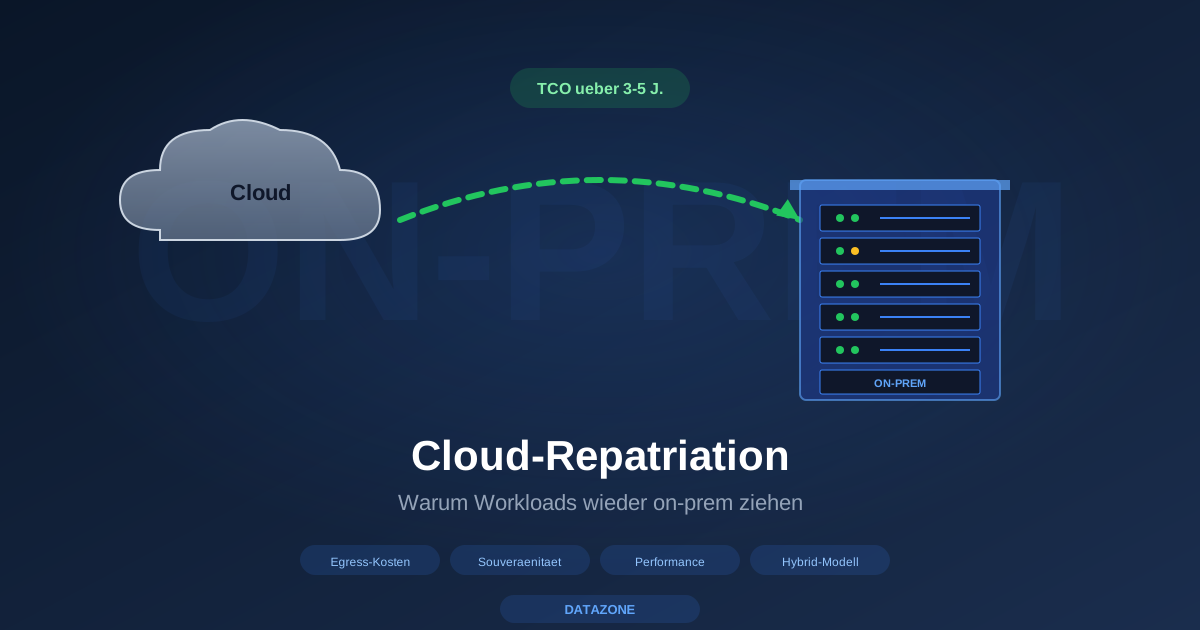
“Cloud first” was the dominant IT-strategy recommendation in the SMB market between 2015 and 2022. Since around 2024 the wind has shifted: cloud remains important, but selectively, and more and more companies pull individual workloads back on-prem. The term for it is cloud repatriation — and that is not a marketing buzzword but a real decision in many IT-strategy rounds.
This article frames the situation: what drives repatriation, when the step is worthwhile, when not, and which architectures are typical today. We deliberately avoid invented percentages — anyone wanting to cite public studies will find appropriate publications at Gartner, IDC or 451 Research.
The four main drivers
From DATAZONE consulting practice, in order of frequency:
1. Egress costs higher than expected
That is the most common trigger. On cloud migration the monthly storage and compute costs were calculable — what many underestimated are the egress costs for data transfer out of the cloud.
Classic examples:
- Backup restore from cloud: small monthly storage costs but in the recovery case several terabytes of egress — suddenly four-digit.
- Data analysis: BI tools regularly pulling large data sets from cloud storage into own compute environments.
- Multi-cloud setups: data flow between different cloud providers costs egress on both sides.
- Hybrid architectures: workloads that synchronise between cloud and on-prem produce ongoing egress.
The hyperscalers have partially reduced egress prices (AWS, Google, Azure announced adjustments in 2024/2025), but the fundamental problem remains: stable, predictable egress costs are hard to plan in public cloud, and that is exactly what CFOs do not like.
2. Compliance and data sovereignty
With NIS2, CER, GDPR tightenings and the general EU-sovereignty debate, the question “where do our data physically lie” has become important again.
Concrete requirements we know from consulting:
- Sector regulation (financial services, health, critical infrastructure) — some sectors have explicit data-location requirements
- GDPR state of the art and Schrems II sensitivity around US hyperscalers
- Public-sector requirements for data location in public contracts
- Customer requirements in sectors where data sovereignty is a sales argument (e.g. mechanical engineering with IP-sensitive data)
EU cloud providers (OVH, Ionos, Hetzner, Stack, Open Telekom Cloud) do not fully solve the problem but they are a pragmatic middle ground. Anyone wanting maximum sovereignty goes on-prem.
3. Predictable performance vs. noisy neighbour
In public cloud compute performance is always relative — the VM shares host resources with other tenants. For most workloads that is no problem; for latency-sensitive workloads it certainly is.
Typical examples from consulting practice:
- Database workloads with high IOPS requirement — expensive in cloud DB services, budget-friendly on-prem with ZFS hybrid pool
- CAD/BIM/video rendering — latency-sensitive, cloud workstations yes but with intensive use it becomes expensive
- VoIP / real-time communication — round-trip times want to be small
- Industrial control — latency and availability dominate
On-prem with proper hardware delivers predictable performance because no tenant competition exists. That is not “cloud is bad”, that is “the architectures have different strengths”.
4. Hybrid models gain ground
That is less “repatriation” than “correction of the all-or-nothing strategy from the early 2020s”. Instead of everything on-prem or everything in the cloud we increasingly see hybrid setups:
- Critical core workloads on-prem (ERP, mail, file server, databases)
- Burst workloads in the cloud (seasonal peaks, ML training, render farms)
- Backup replication to the cloud as off-site layer
- Disaster-recovery site in the cloud, normally inactive
That is not “cloud out” — that is “cloud where it shines”.
When is repatriation worth it?
From consulting practice: we calculate repatriation economics for customers in the following constellations.
Repatriation is often worth it:
- Stable workloads with high utilisation (24/7 ERP databases, mail servers, file servers) — cloud compute only pays off with variability. Steady load on-prem is mostly cheaper.
- Egress-heavy applications — when the workload “blows out” a lot of data, cloud becomes expensive.
- Storage-heavy setups with long-term archiving — TrueNAS plus off-site replication beats cloud storage over 5+ years economically.
- Regulated sectors with hard data-location requirements.
- Workloads with predictable-performance requirement (databases, BI, CAD).
- When IT team is available — on-prem is not “self-maintaining”.
Repatriation is rarely worth it:
- Spike-traffic applications (web shops with seasonality, ML training burst) — cloud elasticity is a real advantage here
- Short-lived projects (pilots, MVP development) — CapEx for on-prem does not pay off
- Globally geo-distributed applications — cloud CDN and multi-region are complex to rebuild on-prem
- Tiny workloads under a few TB storage / a few cores compute — the hardware investment threshold is not economical
- When no IT team exists to look after the on-prem infrastructure — re-evaluate outsourcing/managed service
Three typical scenarios
Scenario 1: Mid-market machine builder (250 staff)
- Before: ERP in cloud, CAD data in OneDrive for Business, VMs in AWS
- Drivers: rising cloud costs (especially egress on CAD data transfer), data sovereignty for design data
- After: ERP on Proxmox cluster on-prem, CAD data on TrueNAS H20 locally with cloud replication as backup, AWS for occasional component simulations (short compute burst)
- Result: steady workload costs reduced, performance more predictable, compliance position improved
Scenario 2: Architecture office (15 staff)
- Before: Dropbox Business as central storage, Microsoft 365 for office, individual workstations
- Drivers: sync issues with large Revit models, GDPR on building-owner data, local performance
- After: TrueNAS H20 as central storage on-prem (see architecture setup article), Microsoft 365 stays for mail and office, backup replication to cloud
- Result: large-file workflows clean, versioning via snapshots, cloud stays for what it helps with (mail)
Scenario 3: Law firm (40 staff)
- Before: everything in Office 365, client data in SharePoint, backup in Veeam Cloud Connect
- Drivers: GDPR/client confidentiality, US-hyperscaler sensitivity, bar association recommendations
- After: on-prem mailcow instead of Exchange Online, Nextcloud Hub for office and documents, TrueNAS H20 plus backup to EU cloud
- Result: full data control, low running licence costs, compliance position notably improved
These three scenarios are not “cloud bad, on-prem good” — they are “the architecture must fit the load”.
TrueNAS and Proxmox as typical on-prem building blocks
For the majority of repatriation projects we look after, two building blocks are central:
TrueNAS for storage
- Storage consolidation: one central ZFS pool replaces scattered cloud-storage accounts
- Snapshots as an integrated versioning layer
- Replication to a second site or cloud as backup layer
- SMB/NFS/iSCSI/NVMe-TCP for all common workloads
- Scalable from 20 TB (Mini X+) to 30 PB (M60)
Proxmox VE for virtualisation and containers
- Full-fledged hypervisor as VMware alternative
- LXC containers for lightweight Linux workloads
- HA cluster with live migration
- Open source with commercial subscription — no lock-in
- Integration with TrueNAS as storage layer
The two together yield an on-prem stack that is sufficient for most SMB workloads — and which, with reasonable hardware, is notably cheaper to operate than equivalent cloud resources over 3–5 years.
Economics — without invented numbers
An honest TCO calculation is the only basis on which cloud vs. on-prem can be fairly compared. A few factors that belong in every calculation:
On-prem CapEx:
- Hardware (servers, storage, switches, UPS)
- Licences (TrueNAS Enterprise, Proxmox subscription, backup software)
- Installation and migration services
- Space/cooling (often already there)
On-prem OpEx:
- Power (significant component)
- Maintenance and support
- IT personnel effort
- Hardware refresh reserve (annual depreciation with plan for 5–7 years)
Cloud OpEx:
- Compute consumption
- Storage occupancy
- Egress (often underestimated)
- Licence surcharges (e.g. with Microsoft 365)
- Backup storage extra
The comparison over 3 and 5 years makes the difference visible. For many of our customers the honest TCO calculation shows: on-prem more economical from year 2–3, especially for stable workloads.
Migration path: step by step
Cloud repatriation is not a “big bang” operation. Proven path:
- Workload inventory: what runs where? Which data volume, which load?
- Categorisation: stable vs. variable workloads, regulation-relevant yes/no
- Pilot migration: a non-critical workload first, on-prem setup as a learning object
- Step-by-step migration: one workload class per quarter, in parallel to cloud use
- Cloud reduction: in the end the cloud workloads that really run better there remain
This typically takes 6–18 months for SMBs with several cloud workloads. Faster only with focused migration pressure.
Pitfalls — what can go wrong
- Underestimated identity complexity: anyone wanting to leave Azure AD must plan a replacement IdP (Authentik, FreeIPA, Samba AD)
- Underestimated personnel effort: on-prem is not “self-maintaining”
- Migration egress: ironically the cloud exit itself produces high egress costs
- Licence transition double costs: a few months of parallel licences during migration
- Recovery path: the old cloud setup must remain available for X months
DATAZONE recommendation
Cloud repatriation is not “back to the past” — it is an architecture correction in which every workload goes where it sits best economically, performantly and compliantly. For most mid-market companies this means hybrid with clear separation.
If you as a mid-market company need an honest TCO comparison for a workload — that is a typical consulting engagement with us. We go in without vendor lock-in interest, compare cloud setup (including EU cloud) against on-prem setup (TrueNAS plus Proxmox) and deliver a 3- and 5-year calculation. The result is not always “on-prem is cheaper” — but it is always a decision based on data.
Sources and further reading
- VMware Broadcom Proxmox alternative — hypervisor migration
- Microsoft Exchange replacement — ROI for SMB — mail aspect
- Nextcloud Hub office alternative on-prem — office aspect
- Self-hosting vs. Microsoft 365 — strategic comparison
- Cloud backup provider comparison — cloud layer in hybrid setups
- Energy costs server room levers — on-prem OpEx aspect
Anyone wanting concrete repatriation analysis: please book a workshop — we bring the TCO templates.
More articles
What Does Storage Really Cost? Cloud vs. TrueNAS Over 5 Years
Cloud storage looks cheap — until egress, API calls and 24/7 retention flip the bill. An honest 5-year TCO comparison: when on-premises TrueNAS pays off, with a worked example and configurator.
On-Premises vs. Cloud: Where Local TrueNAS Storage Beats the Cloud
The cloud is not always the best choice. Where on-premises storage with TrueNAS wins on cost, data sovereignty, performance, control and resilience — and when hybrid is the smartest answer.
The Cloud Is Not a Backup: On-Premises TrueNAS as Your Resilient Extra Layer
After destroyed data centers, even AWS pointed customers to their own backups. Why an on-premises backup layer with TrueNAS (immutable ZFS snapshots, pull replication, air-gap) is a mandatory part of any data strategy.