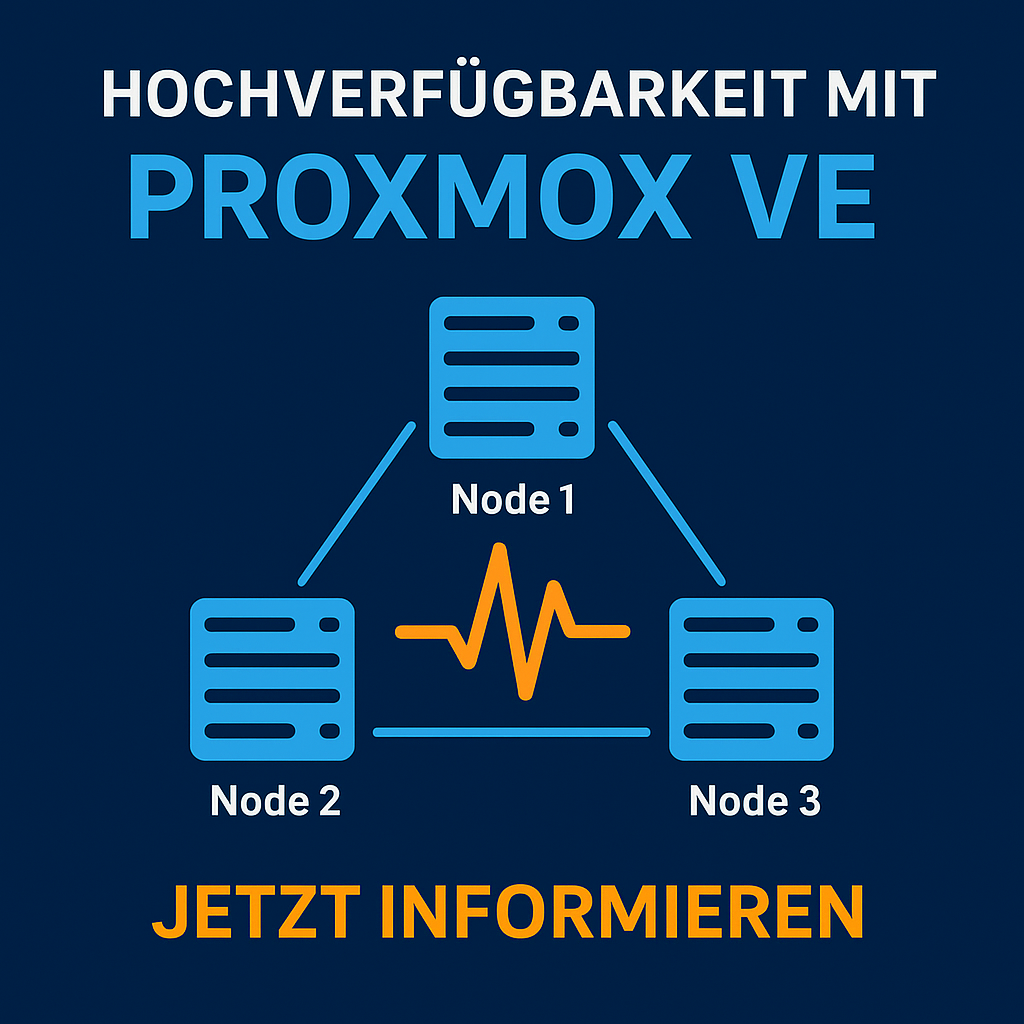
Organisations with virtualised infrastructures demand maximum availability and fault tolerance. Proxmox VE combines open-source technologies into a highly available cluster system that continues operating even during hardware failures — without licence costs, but with enterprise-grade performance.
This article explains the architecture of a Proxmox cluster, the HA functionality, typical configurations, and practical recommendations for production environments.
1. Fundamentals: Cluster Architecture in Proxmox VE
A Proxmox cluster is a logical group of at least two nodes that are managed collectively. Communication is handled via the Corosync protocol, which exchanges status information and quorum data.
| Component | Function | Description |
|---|---|---|
| Corosync | Cluster communication | Responsible for status & quorum |
| pmxcfs (Proxmox Cluster File System) | Configuration replication | Replicates VM configs across all nodes |
| pve-ha-manager | High availability monitoring | Restarts VMs on node failure |
| Fence mechanism | Fault isolation | Isolates faulty nodes from the cluster |
Cluster Network
-
Recommended: dedicated 1 Gbit / 10 Gbit network for Corosync
-
Redundant NICs with bonding (active-backup)
-
MTU value synchronised across all nodes
2. Building an HA Cluster
Example: 3-Node Cluster
| Node | Role | Details |
|---|---|---|
| pve01 | Primary | Quorum master |
| pve02 | Secondary | Failover target |
| pve03 | Secondary | Backup node / Ceph client |
Step-by-Step Configuration
-
Initialise the cluster: pvecm create clustername
-
Add nodes: pvecm add
-
Verify quorum: pvecm status
-
Define HA resource: Via the web GUI or CLI (ha-manager add vm:100)
-
Test functionality: Simulate shutting down a node — the VM should restart automatically.
3. Understanding High Availability (HA)
The HA manager monitors defined resources (e.g. VMs / containers). When a node fails, Corosync detects the loss and restarts the resource on another available host.
| Event | HA Manager Action |
|---|---|
| Node offline | VM started on another node |
| Quorum lost | No action (cluster freeze) |
| Node back online | Synchronisation & status recovery |
Important: An HA cluster is only as stable as its quorum design. For production systems, the following applies:
-
at least 3 nodes
-
Ceph storage or NFS backend with consistent access
4. Best Practices
| Area | Recommendation |
|---|---|
| Network | Dedicated Corosync LAN, LACP bonding |
| Storage | Shared storage (Ceph, iSCSI, NFS via TrueNAS) with multipath |
| Monitoring | Enable syslog, ha-manager status, email alerts |
| Backup | Integration with Proxmox Backup Server |
| Testing | Perform regular failover simulations |
Example: Ceph Cluster Layout
| Component | Count | Description |
|---|---|---|
| OSDs | 6 | Storage disks per node |
| MONs | 3 | Cluster monitoring |
| MGRs | 2 | Management processes |
| MDS | 1 | Optional for CephFS |
5. Benefits for Organisations
-
No licence costs: HA functionality included natively
-
Minimal downtime: automated failover
-
Scalability: straightforward node expansion
-
Centralised management: all resources via web GUI and API
Example calculation (with 10 VM hosts): Licence cost savings vs. proprietary solution approx. 30—40 % annually.
6. Conclusion
Proxmox VE delivers genuine enterprise high availability without additional licences. Thanks to its transparent architecture, open standards, and simple automation, it is ideal for production IT infrastructures with demanding availability requirements.
Request a Consultation or Demo
Your IT should always be running. With Proxmox VE, you ensure high availability without licence costs — our experts assist with design, cluster deployment, and operations.
—> Request a free initial consultation or demo now: Contact
DATAZONE supports you with implementation — contact us for a no-obligation consultation.
More on these topics:
More articles
TrueNAS as an Immutable Backup Target for Veeam & Proxmox (S3 Object Lock)
Immutable backups against ransomware: how to use TrueNAS as an S3-compatible immutable target with Object Lock for Veeam and Proxmox Backup Server — on-premises, without cloud egress.
TrueNAS Proxmox plugin 25.10.6: four observations from our test lab, fed back to iXsystems as a partner
Early adoption means helping to shape. We run the official TrueNAS storage plugin for Proxmox VE productively and document here what we observed in version 2.1.17+deb1 on PVE 9.2.11 and TrueNAS SCALE 25.10.6 — including workarounds for the community and a note on how we fed it back to iXsystems.
Proxmox vs. VMware vSphere 8 -- 2026 update: the state of play after two years of Broadcom
Proxmox vs VMware 2026 -- an honest comparison against vSphere 8 after two years of Broadcom. Where Proxmox has caught up, where vSphere still leads. From the trenches.