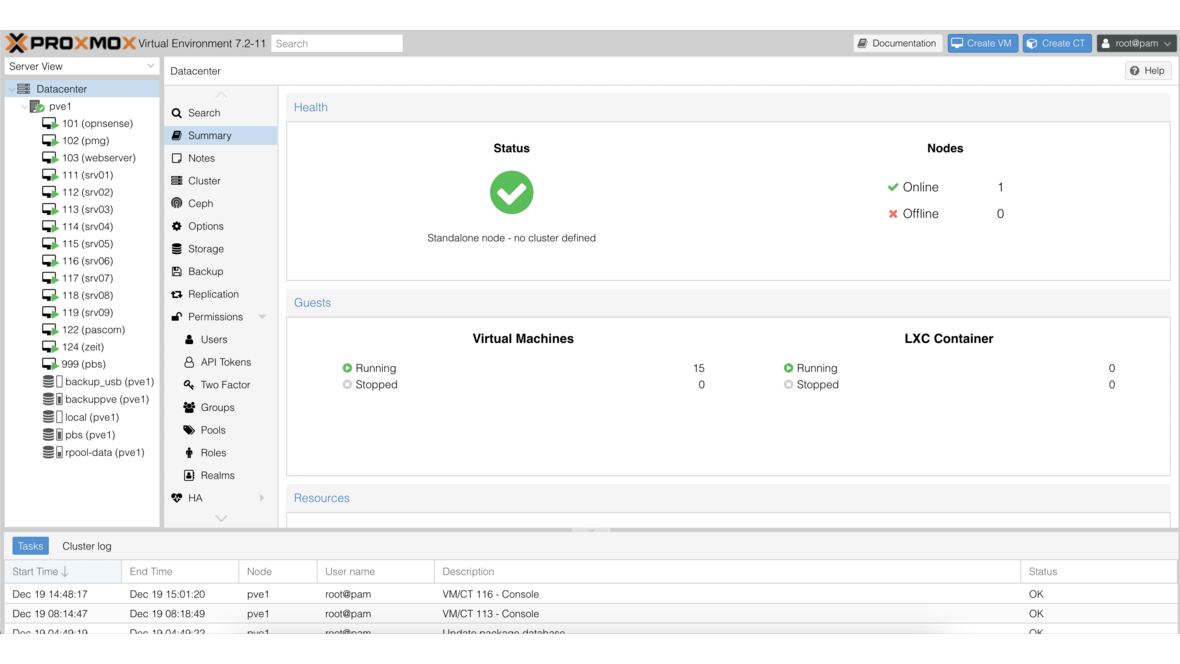
Proxmox has released Proxmox Virtual Environment 6.2. This release brings important new features and numerous improvements.
Key New Features
Kernel and QEMU
- Linux Kernel 5.4 LTS as the default kernel
- QEMU 5.0 with new features and performance improvements
- Improved virtio drivers
- Updated CPU models for better guest performance
Single-File Restore
One of the most important new features is the improved Single-File Restore:
- Individual files can be restored directly from backups
- Support for various file systems in backups
- Web-based file browser interface
- Significantly faster restoration of individual files
Ceph Improvements
- Ceph Nautilus 14.2.9 with numerous bugfixes
- Improved OSD management in the web interface
- Optimized Ceph pool configuration
- Extended Ceph monitoring
- Improved Crush Map management
ZFS Updates
- ZFS 0.8.3 with stability improvements
- Improved ARC management
- Optimized memory usage
- Performance improvements for RAID-Z
Web Interface
The web interface has been extensively expanded:
- New Notes panel for VMs and containers
- Improved search across all resources
- Optimized backup management
- Extended task overview
- Improved permission system
- Dark theme optimizations
Networking
- Improved SDN support (Software Defined Networking)
- Extended VLAN configuration
- Optimized network bridge management
- Improved network diagnostics
Cloud-Init
- Extended Cloud-Init support
- Improved template management
- Additional Cloud-Init configuration options
Upgrade
The upgrade from Proxmox VE 6.1 to 6.2 is performed via the standard package management. A reboot is recommended for the new kernel.
Conclusion
Proxmox VE 6.2 is a comprehensive update that brings important practical features with Single-File Restore and the Ceph improvements. The new LTS Kernel 5.4 additionally ensures long-term stability. Contact us for support with your Proxmox infrastructure.
More on these topics:
More articles
TrueNAS as an Immutable Backup Target for Veeam & Proxmox (S3 Object Lock)
Immutable backups against ransomware: how to use TrueNAS as an S3-compatible immutable target with Object Lock for Veeam and Proxmox Backup Server — on-premises, without cloud egress.
TrueNAS Proxmox plugin 25.10.6: four observations from our test lab, fed back to iXsystems as a partner
Early adoption means helping to shape. We run the official TrueNAS storage plugin for Proxmox VE productively and document here what we observed in version 2.1.17+deb1 on PVE 9.2.11 and TrueNAS SCALE 25.10.6 — including workarounds for the community and a note on how we fed it back to iXsystems.
Proxmox vs. VMware vSphere 8 -- 2026 update: the state of play after two years of Broadcom
Proxmox vs VMware 2026 -- an honest comparison against vSphere 8 after two years of Broadcom. Where Proxmox has caught up, where vSphere still leads. From the trenches.