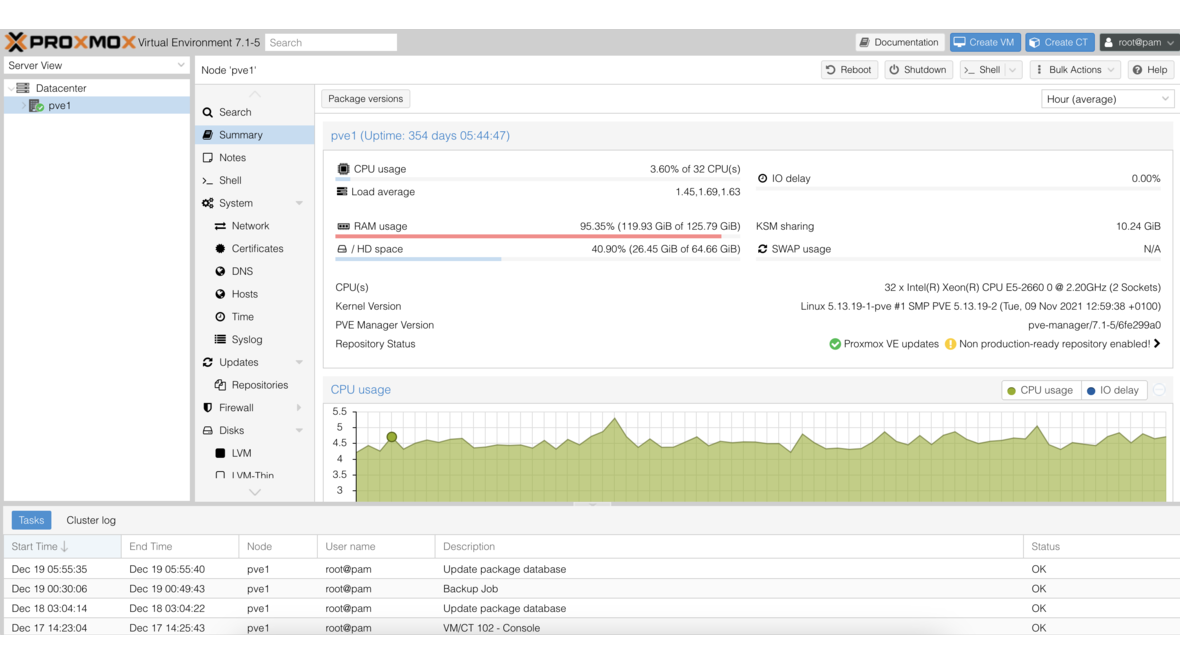
Proxmox has released Proxmox Virtual Environment 7.2. This point release brings a new LTS kernel, updated virtualization technologies, and numerous improvements.
Key New Features
Kernel 5.15 LTS
The switch to Linux Kernel 5.15 LTS is one of the most important new features:
- Long-term support kernel with a stable foundation
- Improved hardware support
- NTFS3 driver in the kernel
- Optimized performance for modern processors
QEMU 6.2
QEMU 6.2 brings numerous improvements:
- Improved VirtIO performance
- Optimized live migration
- New emulation options
- Improved support for Windows 11 as a guest
Software Defined Networking (SDN)
The SDN module has been further expanded:
- Improved VXLAN support
- Extended EVPN functionality
- Optimized network zone management
- Improved integration into the web interface
Backup Improvements
- Improved integration with Proxmox Backup Server
- New backup fleecing technology for more consistent backups
- Extended backup retention options
- Optimized backup performance
Ceph Updates
- Updated Ceph Pacific with stabilizations
- Improved Ceph dashboard integration
- Optimized OSD management
- Extended pool configuration
Web Interface
- Improved resource mapping for PCI and USB devices
- Extended tag management
- Optimized monitoring dashboard
- Improved search functionality
ZFS Updates
- Updated OpenZFS 2.1.x with bugfixes
- Improved performance
- Optimized ARC management
- Extended pool management options
Upgrade
The upgrade from Proxmox VE 7.1 to 7.2 is performed via the regular package sources with apt update && apt dist-upgrade. A reboot is required for the new kernel.
Conclusion
Proxmox VE 7.2 is a solid point release with the important switch to the LTS Kernel 5.15. The SDN improvements and the new backup fleecing technology make this release particularly interesting for production environments. As a certified Proxmox partner, we are happy to assist you with updating your infrastructure.
More on these topics:
More articles
Proxmox VM Live Migration Without Shared Storage: When It Really Works and Where the Limits Are
Proxmox live migration without shared storage: local-storage migration, ZFS replication as accelerator, network requirements, and honest downtime expectations from real projects.
Proxmox Enterprise Premium Support goes 24/7 global today: what the new 2-hour SLA means for mid-market IT in practice
Proxmox has expanded Enterprise Premium Support to 24/7 worldwide as of 19 October 2026 — with a guaranteed 2-hour first response for Severity 1 cases. What Premium includes, how it differs from Standard subscriptions and when the upgrade is actually worth it in DACH mid-market IT.
TrueNAS as an Immutable Backup Target for Veeam & Proxmox (S3 Object Lock)
Immutable backups against ransomware: how to use TrueNAS as an S3-compatible immutable target with Object Lock for Veeam and Proxmox Backup Server — on-premises, without cloud egress.