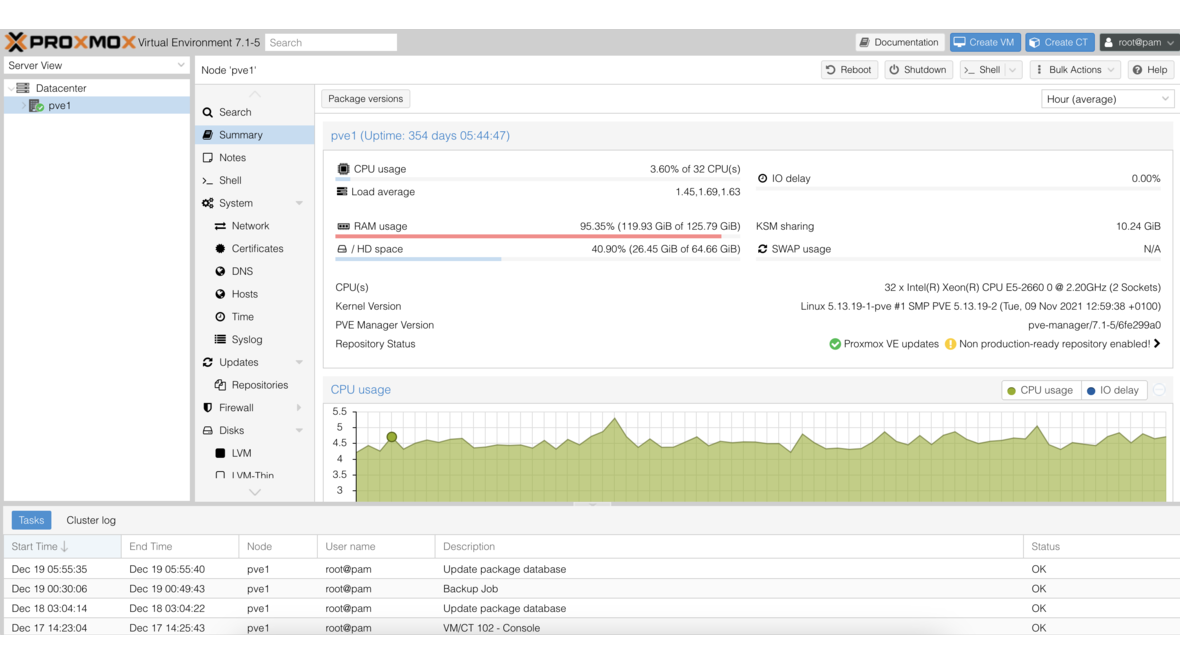
Proxmox PVE 8.0 Based on Debian Bookworm
Proxmox PVE 8.0: Version 8.0 brings new features based on Debian Bookworm (12.0)
Proxmox, a leading provider of open-source virtualization solutions, has announced the release of Proxmox Virtual Environment (PVE) 8.0 today. The brand-new version brings a range of new features and improvements that further optimize the user experience and meet the demands of modern data centers.
The release of Proxmox PVE 8.0 marks another milestone in the development of the popular virtualization platform. With its new features and improvements, version 8.0 offers a robust and flexible solution for businesses and organizations looking to make their IT infrastructures more efficient and secure.
Proxmox PVE 8.0 is available now and can be downloaded from the official Proxmox website. Existing users are encouraged to update their installations to the latest version to benefit from the numerous advantages and improvements.
New Features and Improvements in Proxmox 8.0
An excerpt of the new features includes:
- New Ceph Enterprise Repository Ceph Quincy.
- Automatic synchronization for authentication domains.
- Network resources defined for Software-defined Networking (SDN) are now also available as objects in the Access Control Subsystem (ACL).
- Resource Mapping: In the API and web interface, mappings between resources such as PCI(e) or USB devices and the nodes of a Proxmox VE cluster can be created and managed.
- Protection against brute-force attacks (lockout for two-factor authentication/TOTP).
- Text-based user interface during installation.
- The CPU type x86-64-v2-AES is now set as default for VMs created via the web interface. It offers important additional features over qemu64/kvm64 and improves the performance of many computing operations.
- QEMU is included in version 8.0.
- In the web interface, backups are now sorted by date; previously, they were sorted by VMID.
Availability and Update
We are happy to assist you with the implementation of your Proxmox project or updating your systems.
You can find the detailed changelog here.
DATAZONE supports you with implementation — contact us for a no-obligation consultation.
More on these topics:
More articles
TrueNAS as an Immutable Backup Target for Veeam & Proxmox (S3 Object Lock)
Immutable backups against ransomware: how to use TrueNAS as an S3-compatible immutable target with Object Lock for Veeam and Proxmox Backup Server — on-premises, without cloud egress.
TrueNAS Proxmox plugin 25.10.6: four observations from our test lab, fed back to iXsystems as a partner
Early adoption means helping to shape. We run the official TrueNAS storage plugin for Proxmox VE productively and document here what we observed in version 2.1.17+deb1 on PVE 9.2.11 and TrueNAS SCALE 25.10.6 — including workarounds for the community and a note on how we fed it back to iXsystems.
Proxmox vs. VMware vSphere 8 -- 2026 update: the state of play after two years of Broadcom
Proxmox vs VMware 2026 -- an honest comparison against vSphere 8 after two years of Broadcom. Where Proxmox has caught up, where vSphere still leads. From the trenches.