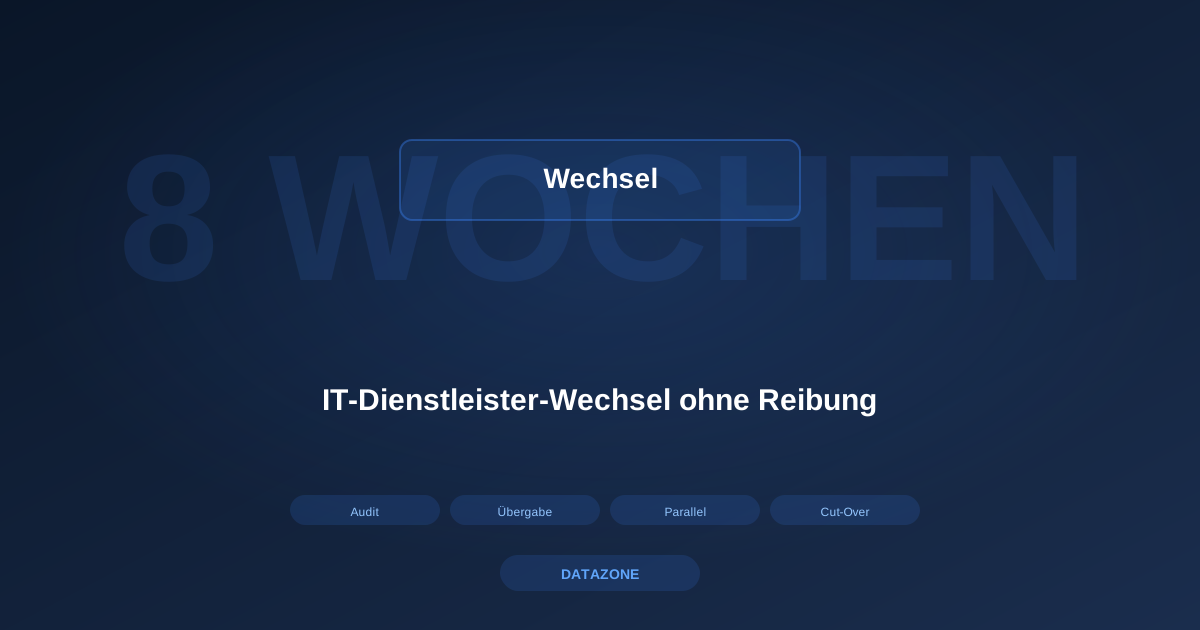
Switching IT providers is one of those decisions mid-sized companies push ahead of themselves for years. Not because the current partner makes anyone happy, but because the switch is seen as risky. The company no longer fully understands its own environment, the documentation lives in the heads of the incumbent, and nobody is quite sure what happens if a server fails mid-transition. The result: unhappy contracts keep running, flat fees get paid for services not actually delivered, and the real modernisation step is pushed out again and again.
This article describes switching IT providers from a DATAZONE perspective: how we take over new accounts, which phases the switch runs through, which documents and credentials we need from the outgoing partner, how parallel operation looks, and what happens after cut-over. The full playbook typically takes eight weeks — faster in simple cases, up to twelve for complex environments. Our positioning: IT service overview, direct contact: contact page.
Switching IT partners in the midmarket: why switches fail when they are improvised
The most common reason a provider switch goes wrong is not malice — it is time pressure. A company decides in autumn that the contract should end at year-end and then tries to squeeze the handover between Christmas and the first week of January, parallel to annual close, inventory and holidays. That turns into a mess nine times out of ten.
The second reason is a missing inventory. Switching without knowing what you are taking over means negotiating in the dark. The new partner makes assumptions, then discovers in week two that there is a second server location, a terminal server with 40 instead of 15 users, and a backup to a USB disk that has been full for months. Each item shifts the invoice.
The third reason is how the incumbent is handled. If you start the switch as a conflict, you get a bad handover. Our job as incoming provider is to design the switch so that even a semi-cooperative predecessor cannot put operations at risk. More in our regional IT service article.
Switching IT providers: the eight weeks at a glance
Our standard playbook spans four phases of two weeks each. Every phase has a clear deliverable signed off in writing. That sounds bureaucratic, but it is what distinguishes a predictable switch from an improvised one.
Weeks 1 and 2: audit and inventory
In the first two weeks we get to know the environment: an on-site visit, inventory of every server, switch, firewall, access point, UPS, NAS and backup target. Plus a list of central services — Active Directory, DNS, DHCP, mail gateway, file servers, terminal servers, business apps, backup, monitoring, remote access. Vendor, model, serial number, firmware, patch level, and where possible the network topology.
In parallel we ask the customer for every existing contract: hardware maintenance, software licensing, running support with the incumbent, hosting and cloud. In practice this closes out in two to three meetings, since most of the information lives in the ERP, management mailboxes and old quotes.
The audit ends with a written report: what we found, what is fine, what needs to be replaced within twelve months, where we see acute risks. Deliberately not softened. The foundation of the engagement is honesty about the starting point, not a polished picture.
Weeks 3 and 4: handover and documentation
Phase two is the sensitive part: the handover. We need a clearly scoped list of items from the outgoing provider, requested in writing with a customer-signed release attached. Specifically:
- Admin access to all servers — domain admin, local admins, service accounts.
- Access to all network devices — firewalls, switches, APs, VPN gateways.
- Access to central services — mail gateway, spam filter, monitoring, backup.
- Existing documentation — network diagrams, rack layouts, VLAN, DNS, DHCP.
- Licence information — Microsoft, virtualisation, backup, antivirus, line-of-business apps.
- Contracts — hardware maintenance, cloud services, domains, SSL certificates.
- Twelve-month service history.
Not all of this arrives in usable form. Network diagrams often exist only as a sketch or not at all. In those cases we rebuild them from the phase-one capture and fill gaps with targeted questions to the outgoing partner. We never accept documentation at face value: every document gets checked against the real environment, corrected and extended.
Weeks 5 and 6: parallel operation
Phase three is parallel operation. Both providers still have access. The outgoing partner responds to urgent incidents, we gradually take over day-to-day work: patching, monitoring review, small changes, first tickets. We deliberately avoid changing the core architecture here. Rebuilding firewall rules in week five introduces problems you can no longer attribute cleanly.
Parallel operation serves two purposes. It ensures we have practised every operational process before we carry sole responsibility. And it gives the customer time to get to know us before betting everything on one card. For us: visibly deliver, not just listen.
Rule of thumb: roughly half of the critical insights come out of these two weeks, not out of the formal audit. Only when a user mentions that an app slows down every Tuesday afternoon does it emerge that a backup job sits inside the main working hours. None of this ever shows up in handover documentation.
Weeks 7 and 8: cut-over and aftercare
Phase four is the formal handover. The incumbent’s accounts are disabled, monitoring is pointed at us, backup notifications arrive in our inbox, the published support number is ours. Ideally we time cut-over for a Friday evening or a long weekend, so minor follow-up does not land in regular business hours.
Right after cut-over we run a 14-day intensive aftercare period: daily monitoring check-in, higher ticket priority for the new account, deliberate follow-up with the main users. After that we move into normal contract operation — defined response times, monthly service review, annual strategic planning.
Switching IT partner in the midmarket: minimum handover list
The minimum we ask the customer to collect from the outgoing provider:
- Administrative access to all systems, ideally handed over to a customer-named admin, not directly to us.
- Documentation in whatever shape it exists — no completeness required, but no active withholding.
- Licence overview with contract parties, numbers and terms.
- Backup history for the last six to twelve months, so we can see whether backups actually ran successfully.
- Open projects and tickets with status, so nothing falls through.
- Hardware serial numbers for active maintenance contracts.
What we do not need: the outgoing provider’s internal pricing, chat histories, private notes. Where that comes voluntarily, it helps. Where it does not, we build the knowledge ourselves in the first months.
Technical topics during the switch: firewall, backup, virtualisation, storage
Switching provider is not automatically a technology switch. We take over environments on every virtualisation platform, firewall and storage system that is practically reasonable. During the first weeks we take a position on four topics.
For the firewall, we check whether the rule base is documented and emergency-recoverable. We often find Fortinet or Sophos installations with expiring support contracts. A clean transition to OPNsense is covered in replacing Sophos or Fortinet with OPNsense.
For backup, we check the 3-2-1-1-0 rule: three copies, two media, one off-site, one immutable, zero errors in the last restore test. Few environments we take over meet all five. Fundamentals: backup strategy for SMBs on Proxmox and TrueNAS.
For virtualisation, we take an honest look at whether a hypervisor switch is worth it. Not every VMware environment needs an immediate Proxmox migration — but if a renewal is coming up, we raise it.
For storage, this often decides whether an environment is viable for the next three years. Current recommendation is typically a TrueNAS M30 or M40, with a Mini-R for smaller setups.
Transparent contracts and pricing
Part of a clean switch is a predictable engagement model. We work with two variants: a fixed monthly package with defined scope and response times, or a service framework with hourly billing and a minimum take tied to monitoring and patching effort. Which fits depends on size and complexity.
For hardware — server, storage, firewall — we avoid rigid price tags. Hardware prices fluctuate; every quote is individual with a traceable calculation.
FAQ
How long does an IT provider switch take in practice?
Standard playbook: eight weeks in four phases. Smaller environments — up to around 15 workstations and one server — can be done in four to six weeks. Complex environments with multiple sites or regulatory obligations run ten to twelve weeks. What matters is that every phase closes cleanly.
What if the outgoing provider does not cooperate?
It happens, but less often than you would think. If somebody really blocks, we pull information from the environment itself: password resets via console access, documentation by reverse-engineering configurations, licence overviews via vendor portals. Legal action is unnecessary in well over 99 percent of our takeovers.
Do we have to swap out our hardware when we switch to DATAZONE?
No. We take over every technically viable environment as it is. During the audit we assess what needs replacement within twelve months, but replacements follow a plan, not week-one disruption.
How is communication with employees handled during the switch?
We recommend a short notice no later than the start of phase three, when parallel operation begins: who the new contact is, what the new support number is, and what changes for the individual user — usually very little. A provider switch does not need a town hall.
What does the switch itself cost?
The audit and handover effort is quoted separately. Depending on the environment this is typically 15 to 40 hours of work on our side. We do not turn it into a sealed flat rate but into a traceable calculation based on the real environment.
How do we find out whether DATAZONE is the right partner?
The fastest way is a no-commitment first conversation via the contact page. We say honestly whether we fit, based on service area, competence focus and timing. If yes, an on-site audit visit follows. If no, we point to alternatives in the region.