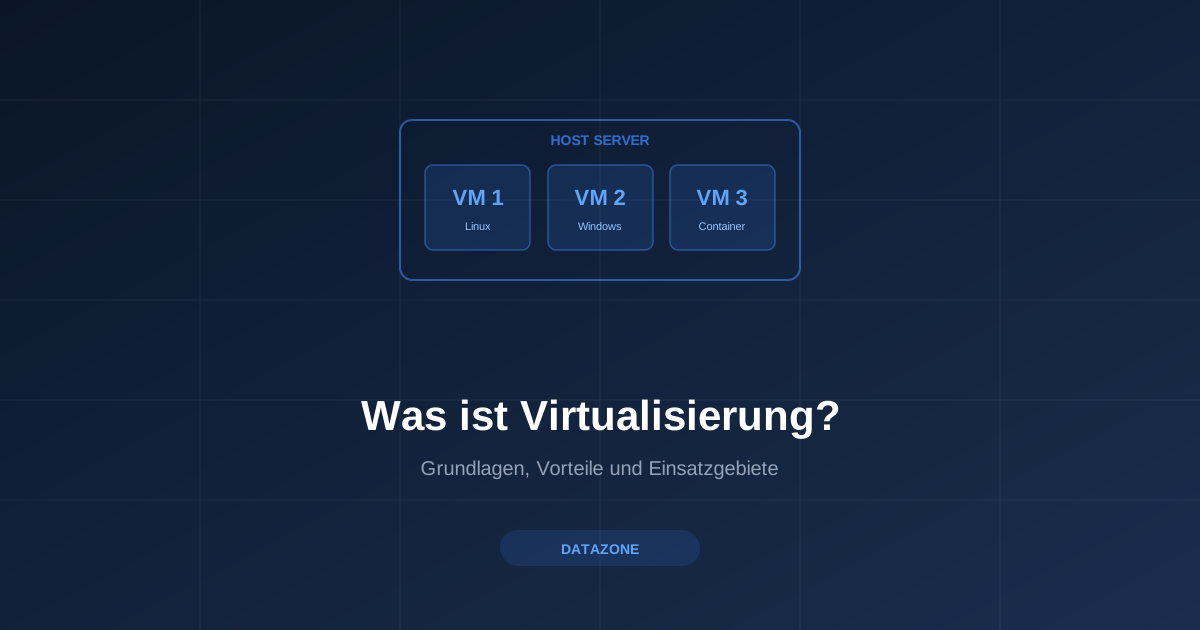
Wondering what virtualisation actually means? Here we provide a comprehensive overview of the fundamentals, types, and concrete benefits of this technology for organisations.
With virtualisation, it is possible to run multiple virtual machines with different operating systems in isolation from one another, yet side by side on the same physical hardware. Server virtualisation enables better utilisation of existing or newly acquired hardware resources. Maintenance tasks and system changes become simpler and, above all, faster and less resource-intensive.
What Types of Virtualisation Are There?
Virtualisation is a broad term. In practice, several variants can be distinguished:
- Server virtualisation: The most common form. A physical server is divided into multiple virtual machines (VMs), each running its own operating system and applications. This allows web servers, databases, and application servers to operate on a single piece of hardware — without interfering with each other.
- Desktop virtualisation: Workstations are provided centrally on the server. Employees access their virtual desktop via thin clients or any endpoint device. This simplifies administration and increases security, as no data is stored locally.
- Network virtualisation: Physical network resources are abstracted and divided into logical segments. In combination with firewalls such as OPNsense, virtual networks can be configured flexibly and securely.
- Storage virtualisation: Multiple physical storage media are combined into a single logical pool. Solutions like TrueNAS enable centralised management of storage resources with features such as deduplication, compression, and snapshots.
Benefits of Virtualisation
- Lower hardware costs — instead of ten physical servers, a single powerful host is often sufficient
- Lower power consumption and therefore reduced operating costs
- Rapid server setup times using prepared system images and templates
- Easy backup of entire systems — ideal in combination with Proxmox Backup Server
- Short recovery times in the event of a failure
- Reduced space requirements in the data centre or server room
- Lower cooling requirements and therefore smaller air conditioning systems
- Lower total cost of ownership (TCO)
How Does Proxmox VE Work?
Proxmox Virtual Environment (PVE) unites these benefits in a powerful open-source platform. Proxmox VE is based on Debian Linux and uses KVM (Kernel-based Virtual Machine) for full virtualisation as well as LXC for lightweight Linux containers.
All management is done through an intuitive web interface where virtual machines can be created, configured, migrated, and monitored. Thanks to built-in high availability (HA) and cluster functionality, Proxmox VE is particularly suited for business-critical environments: if a node fails, VMs are automatically restarted on another cluster member.
Use Cases for Organisations
Virtualisation with Proxmox VE is relevant for organisations of all sizes. Typical use cases include:
- Server landscape consolidation: Multiple older servers are migrated to a few powerful hosts.
- Development and test environments: New software can be tested in isolated VMs without jeopardising the production environment.
- Disaster recovery: Through regular backups with Proxmox Backup Server and replication, systems can be restored within minutes in an emergency.
- Multi-tenant infrastructure: Service providers can operate client systems cleanly separated on a shared platform.
We are happy to support you with integration into your infrastructure.
DATAZONE supports you with implementation — contact us for a no-obligation consultation.
More on these topics:
More articles
TrueNAS as an Immutable Backup Target for Veeam & Proxmox (S3 Object Lock)
Immutable backups against ransomware: how to use TrueNAS as an S3-compatible immutable target with Object Lock for Veeam and Proxmox Backup Server — on-premises, without cloud egress.
TrueNAS Proxmox plugin 25.10.6: four observations from our test lab, fed back to iXsystems as a partner
Early adoption means helping to shape. We run the official TrueNAS storage plugin for Proxmox VE productively and document here what we observed in version 2.1.17+deb1 on PVE 9.2.11 and TrueNAS SCALE 25.10.6 — including workarounds for the community and a note on how we fed it back to iXsystems.
Proxmox vs. VMware vSphere 8 -- 2026 update: the state of play after two years of Broadcom
Proxmox vs VMware 2026 -- an honest comparison against vSphere 8 after two years of Broadcom. Where Proxmox has caught up, where vSphere still leads. From the trenches.